Creating attractive videos for social media has become easier with modern video editing applications. Whether you want to make Instagram Reels, YouTube Shorts, TikTok videos, or personal memories, using ready-made editing styles can save time and improve your content. This is why VN Video Editor Templates are popular among beginners and experienced video creators.
VN Video Editor offers creative tools that help users edit clips, add transitions, apply filters, include music, and create engaging videos. Templates and reusable editing styles can make the editing process more convenient, especially when you want to create videos with a consistent look.
In this guide, you will learn what VN templates are, how to find and use them, their different types, and how to create your own video editing style.
What Are VN Video Editor Templates?
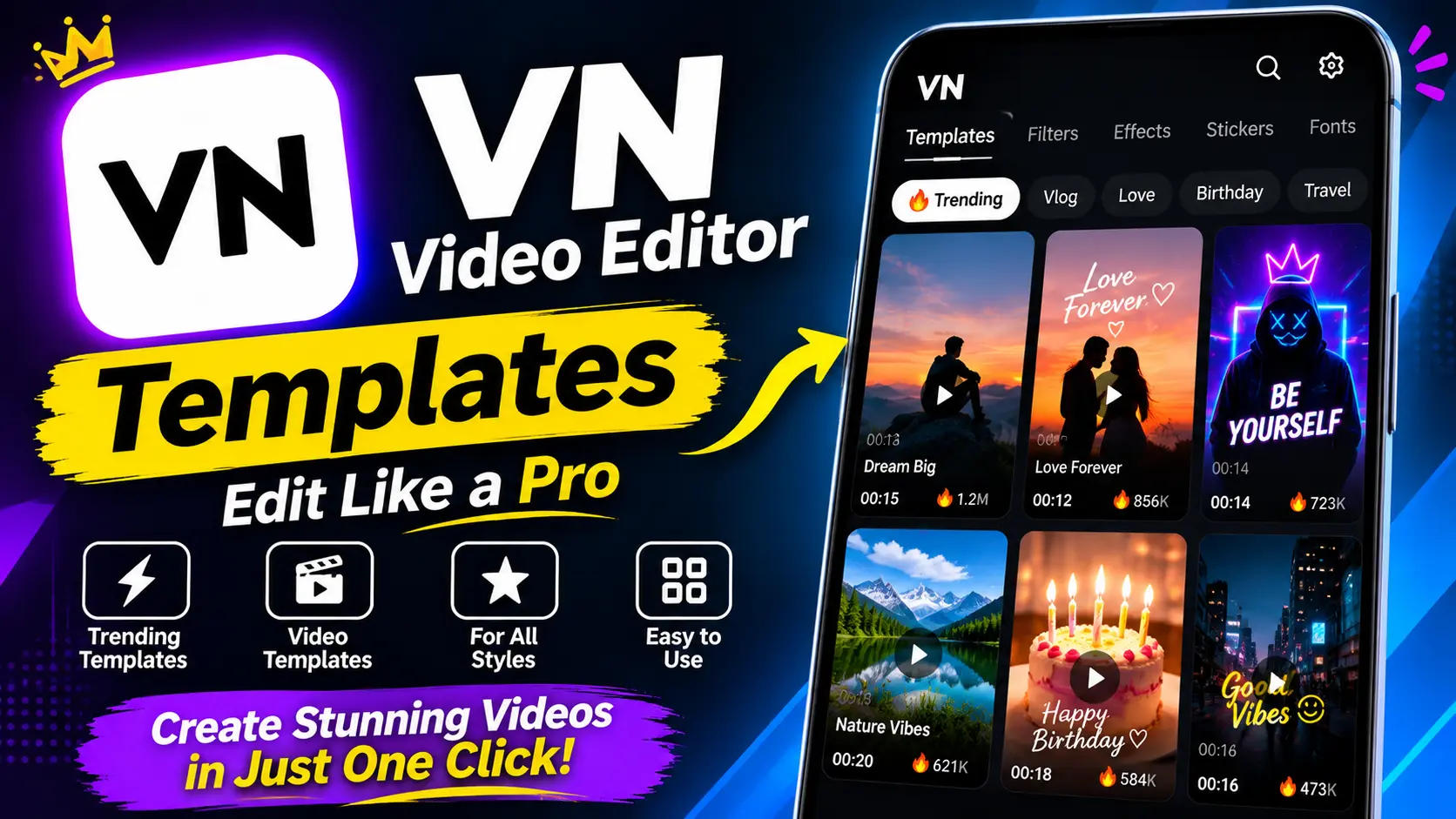
VN Video Editor Templates are ready-made video editing layouts or projects that help users create videos with less manual editing. Depending on the available template features and app version, a template may include clip arrangements, transitions, effects, text, music timing, and other creative elements.
Instead of building every edit from the beginning, users can start with an available template and replace its sample media with their own photos or video clips.
Templates are especially useful for social media creators who regularly publish short videos and want to maintain a consistent editing style.
Best Types of VN Video Editor Templates
VN offers different editing possibilities for creating videos in various styles. Here are some popular template categories and ideas.
1. Trending Reels Templates
Reels-style edits are useful for Instagram creators. They often use short clips, music synchronization, transitions, and text effects to create engaging videos.
2. Slow Motion Templates
Slow-motion editing is popular for travel videos, fashion clips, sports footage, and cinematic scenes. You can use VN’s speed controls to create this effect.
3. Beat Sync Templates
Beat-based edits arrange video clips according to the rhythm of background music. These styles are useful for short videos, photo slideshows, and creative edits.
4. Birthday Templates
Birthday video templates help users combine personal photos, video clips, captions, and music into a memorable video.
5. Love and Couple Templates
These templates are suitable for romantic videos, anniversaries, and personal photo collections. You can customize the text, photos, and music according to your preferences.
6. Cinematic Templates
Cinematic-style edits use color adjustments, smooth transitions, carefully arranged clips, and music to create a film-like appearance.
7. Travel Templates
Travel templates help organize vacation photos, scenic videos, and memorable moments into a short video. They are useful for YouTube Shorts and Instagram Reels.
How to Find VN Video Editor Templates
You can look for available templates and editing inspiration through trusted sources.
- Open the official VN Video Editor application.
- Explore the available template or discovery sections, if supported by your version.
- Browse the available editing styles.
- Select a template that matches your video idea.
- Check whether the template is compatible with your device and app version.
- Follow the on-screen instructions to use it.
You can also explore editing tutorials and creator demonstrations to learn how to recreate popular VN styles manually.
Template availability may vary by region, application version, and platform.
How to Use VN Video Editor Templates
Using a suitable template can make video editing easier. Follow these general steps:
- Install or open the official VN Video Editor application.
- Find a template you want to use.
- Open the template or compatible project.
- Select the option to use or edit it, if available.
- Replace sample photos and videos with your own media.
- Adjust text, captions, and other elements.
- Review the music timing and transitions.
- Preview the complete video.
- Choose suitable export settings.
- Save your finished video to your device.
Always check the final video before sharing it on social media.
Main Features That Make VN Useful for Templates
Easy Customization
You can personalize your projects by changing photos, clips, text, and other available editing elements.
Transitions and Effects
Transitions help connect different scenes, while visual effects can add creativity to your videos.
Music and Audio Editing
Background music and sound effects can make short videos more engaging. Make sure you have permission to use any music you add.
Text and Captions
Add titles, subtitles, and captions to communicate your message clearly.
Speed Controls
Slow-motion and fast-motion effects can help make your videos more dynamic.
Export Options
VN provides export settings that allow users to save completed projects. Available quality options depend on the app version and device.
Benefits of Using VN Templates
Saves Time: Templates can reduce the amount of manual editing required for common video styles.
Beginner-Friendly: New users can learn basic editing by exploring how existing projects are arranged.
Consistent Style: Reusing a similar editing style can help maintain a consistent appearance across social media posts.
Creative Inspiration: Templates provide ideas for transitions, music timing, text placement, and clip arrangements.
Useful for Different Platforms: You can create videos for Instagram Reels, YouTube Shorts, TikTok, and other platforms by choosing suitable dimensions and export settings.
Tips for Creating Better Videos with VN Templates
- Choose a template that matches your video topic.
- Use clear, high-quality photos and video clips.
- Avoid adding too many transitions or effects.
- Keep captions short and easy to read.
- Match clip changes with the music rhythm.
- Select the correct aspect ratio for your target platform.
- Preview your video before exporting.
- Use music and other media that you have permission to publish.
These simple tips can help make your videos more attractive and easier to watch.
Are VN Video Editor Templates Free?
Some templates and editing resources may be available without additional payment, depending on the app version and source. Other resources may have separate conditions or usage restrictions.
Always check the template’s terms before using it, particularly if you plan to publish videos for commercial purposes. Avoid websites that require suspicious downloads or personal information to access templates.
Frequently Asked Questions
What are VN Video Editor Templates?
They are ready-made editing styles or projects that help users create videos with less manual work.
Can I use VN templates for Instagram Reels?
Yes. You can create Reels-style videos using suitable templates or by manually arranging clips, transitions, and music in VN.
Are VN templates suitable for YouTube Shorts?
Yes. Choose a suitable vertical video layout and check the export settings before publishing.
Can I customize VN templates?
Depending on the template, you may be able to change photos, video clips, text, music, transitions, and other elements.
Do VN templates require an internet connection?
Some template discovery or online resources may require internet access. Editing an already available project may work offline, depending on the app and its resources.
Are third-party VN templates safe?
Safety depends on the source. Use trusted websites and avoid suspicious files or applications.
Final Words
VN Video Editor Templates can make video creation easier for people who want attractive content for social media. Whether you are creating Reels, Shorts, birthday videos, travel edits, or cinematic clips, templates can provide a useful starting point.
Explore different editing styles, customize your projects with your own photos and videos, and choose export settings that suit your target platform. For the best experience, use the official VN application and download templates only from trusted sources.