Video editing has become an important part of creating content for social media platforms. Whether you want to make Instagram Reels, YouTube Shorts, TikTok videos, travel clips, or personal memories, a good editing application can help you turn ordinary footage into attractive videos.
VN Video Editor for Android is a popular choice among mobile creators because it offers useful editing tools through a straightforward interface. Users can trim clips, add music, apply filters, create transitions, adjust video speed, and export completed projects.
In this guide, you will learn about VN Video Editor for Android, its main features, installation process, editing tools, benefits, and common problems.
What Is VN Video Editor for Android?
VN Video Editor is a mobile video editing application designed to help users create and customize videos on their smartphones. It provides editing tools for beginners as well as people who already have some experience with video creation.
You can use VN to create short social media videos, photo slideshows, tutorials, promotional clips, and other personal projects.
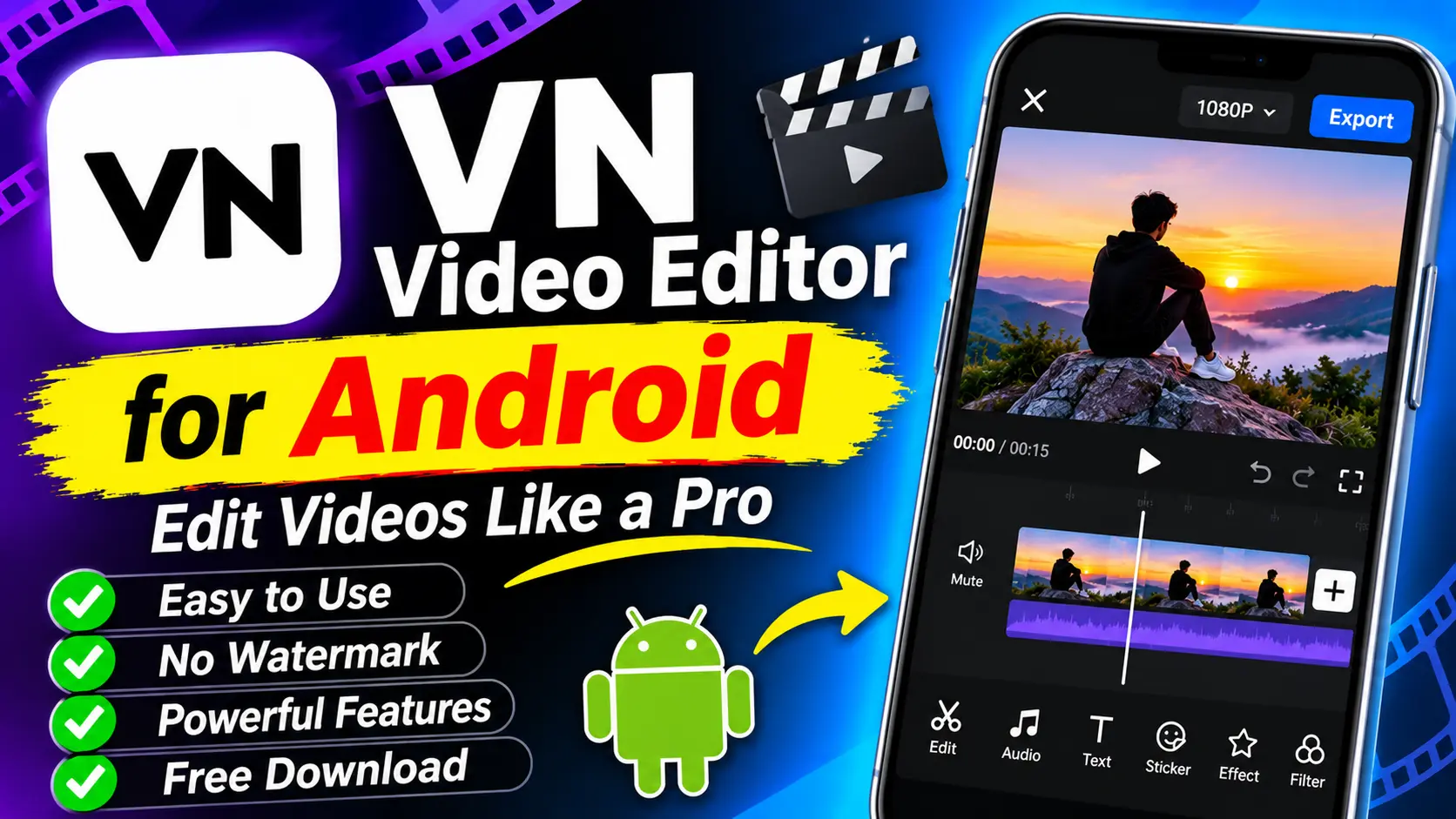
The application offers a timeline-based editing workflow, allowing users to arrange different video clips and add creative elements. Its available features may vary depending on the app version and Android device.
Main Features of VN Video Editor for Android
1. Easy-to-Use Editing Interface
VN provides an editing workspace where users can import media, arrange clips, and make changes to their projects. Its interface is suitable for people learning video editing for the first time.
2. Multi-Track Timeline
The timeline allows you to organize video clips, images, text, and audio elements. Multiple tracks can help you manage different parts of a project more easily.
3. Video Filters and Effects
You can apply available filters and visual effects to change the appearance of your footage. These tools help create different styles for travel videos, social media posts, and cinematic edits.
4. Smooth Transitions
Transitions help connect two video clips. You can experiment with different effects to create a smooth flow between scenes.
5. Text and Subtitle Editing
VN allows users to add text elements, titles, and captions to their projects. This feature is helpful when making tutorials, educational videos, and social media content.
6. Music and Audio Tools
You can add background music and sound effects to make your videos more engaging. Audio editing also helps you create a better connection between scenes and music.
7. Slow Motion and Speed Control
VN provides speed adjustment options for creating slow-motion and fast-motion effects. These tools can make sports clips, action videos, and creative edits more interesting.
8. Video Export Options
After completing your project, you can export the video using available quality settings. Resolution and frame-rate options may depend on your device and application version.
How to Download VN Video Editor for Android
If you want to install VN on your Android smartphone, follow these general steps:
- Open the Google Play Store on your device.
- Search for VN Video Editor.
- Find the official application listing.
- Check the app information and compatibility.
- Tap Install.
- Wait for the installation to finish.
- Open VN Video Editor.
- Allow the required permissions for accessing media.
- Start creating your first video project.
Always check the developer information before installing an application.
How to Edit Videos Using VN on Android
Once the application is installed, you can start editing your videos.
- Open VN Video Editor.
- Select the option to create a new project.
- Choose video clips or photos from your gallery.
- Add the selected media to the timeline.
- Trim or split clips according to your requirements.
- Add transitions between scenes.
- Apply filters and visual effects.
- Insert text or captions.
- Add background music if required.
- Preview the complete project.
- Choose suitable export settings.
- Save the finished video to your device.
These basic steps can help beginners understand the editing process.
Benefits of Using VN Video Editor on Android
Convenient Mobile Editing
You can edit videos directly on your smartphone without transferring files to a computer.
Beginner-Friendly Tools
The editing interface and timeline controls make it easier for new users to understand basic video editing.
Creative Video Projects
Filters, transitions, text, music, and speed controls provide different ways to customize your content.
Social Media Content Creation
VN can help you prepare videos for Instagram Reels, YouTube Shorts, TikTok, and other platforms.
Flexible Editing Workflow
You can import your own footage, arrange clips, and make changes according to your preferred editing style.
VN Video Editor System Requirements for Android
The exact requirements depend on the current application version and your device.
Before installation, consider the following:
- A compatible Android version.
- Sufficient available storage.
- Enough RAM for your editing projects.
- A working display and touch interface.
- Updated Android system software.
- Internet access for downloading the application and online resources.
Larger projects and high-resolution videos may require more memory and storage.
Tips for Better Video Editing with VN
- Use clear and high-quality original footage.
- Keep your video clips organized.
- Avoid adding too many effects.
- Use transitions that match your content.
- Choose background music carefully.
- Keep text readable on mobile screens.
- Match export settings to your target platform.
- Save backups of important projects.
Following these practices can help you create more attractive videos.
Common VN Video Editor Problems and Solutions
VN Is Not Opening
Restart your smartphone and check whether an application update is available.
Video Export Is Not Working
Check your available storage and try reducing the export resolution.
VN Is Running Slowly
Close unnecessary background applications and make sure your device has enough free memory.
Media Files Are Not Importing
Check whether the files are supported and accessible from your device storage.
Application Keeps Crashing
Clear the application cache, update VN, and restart your phone. Back up important projects before reinstalling the app.
Is VN Video Editor Safe for Android?
For a safer experience, download VN from the official Google Play Store or another trusted distribution source.
Avoid unofficial modified APK files that promise unlocked premium features. Such files may contain harmful software, request unnecessary permissions, or put your personal information at risk.
Always check app permissions and keep your device security updates enabled.
Frequently Asked Questions
Is VN Video Editor available for Android?
Yes. VN Video Editor is available for compatible Android devices through supported distribution channels.
Is VN Video Editor free to use?
VN offers free editing features. Specific tools and availability may vary depending on the application version and platform.
Can I make slow-motion videos with VN?
Yes. VN provides speed adjustment tools that allow users to create slow-motion effects.
Can I add music to videos in VN?
Yes. You can add supported audio files and background music to your editing projects.
Can beginners use VN Video Editor?
Yes. Its editing interface and basic tools make it suitable for people who are learning video editing.
Does VN support video export in HD?
VN offers video export options, but the available resolution and quality depend on the app version and device.
Final Words
VN Video Editor for Android is a useful application for people who want to create and edit videos directly on their smartphones. Its timeline, filters, transitions, text tools, audio options, and speed controls provide a range of creative possibilities.
Whether you are making social media Reels, YouTube Shorts, travel videos, or personal projects, VN can help you organize and customize your footage. Download the official application from a trusted source, explore its editing tools, and create videos that match your style.